Robots.txt is the first thing Googlebot reads when it visits your site. It’s also one of the easiest files to get catastrophically wrong. A misplaced disallow rule can block entire sections of your site from being crawled — and unlike most technical SEO issues, the damage shows up fast. Here are the robots.txt SEO mistakes that cause the most harm, and how to catch them before they cost you rankings.
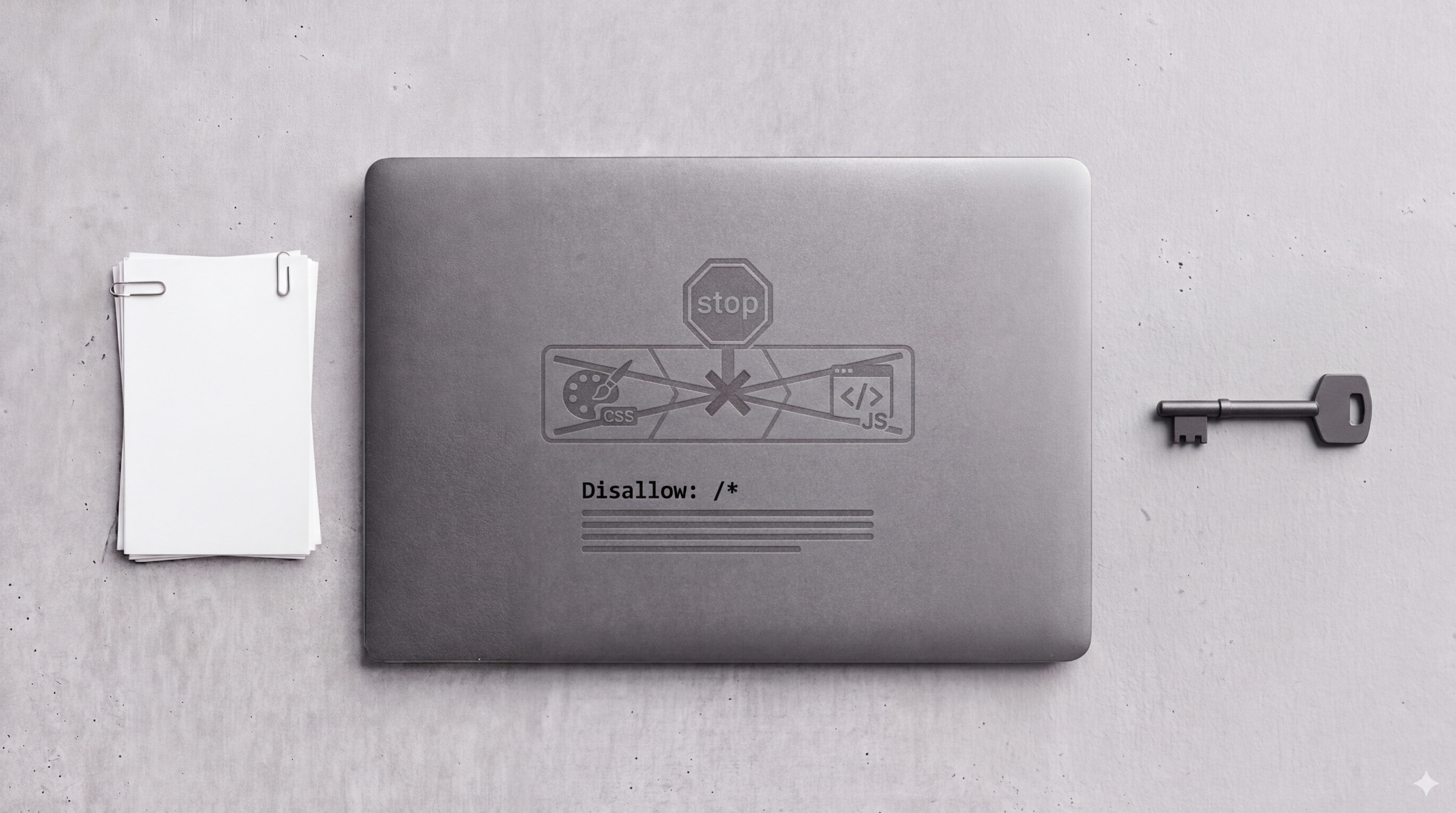
Mistake #1: Disallowing CSS and JavaScript Files
This one was epidemic before Google shifted to mobile-first indexing and made rendering quality central to rankings. Blocking your CSS and JS files with robots.txt prevents Googlebot from rendering your pages correctly — meaning Google sees a broken, text-only version of your site and may evaluate it poorly.
The pattern to look for in your robots.txt:
Disallow: /wp-content/
Disallow: /*.js$
Disallow: /*.css$
These rules are usually legacy artifacts from older SEO advice that’s no longer applicable. Remove them. Google needs to render your pages to evaluate them accurately, and that requires access to your stylesheets and scripts.
Mistake #2: Overly Broad Disallow Rules
A Disallow rule applies to everything that starts with the specified path. Disallow: /resources/ blocks not just your internal resource directory — it blocks /resources/guides/, /resources/downloads/, and any future URL under that path.
If your marketing site has a /resources/ section full of landing pages, and your developers added a disallow rule to protect internal assets stored at /resources/internal/, the solution should have been Disallow: /resources/internal/ — not the parent path.
Google’s robots.txt documentation explains rule matching in detail. The key thing to know: rules are matched left to right, and the most specific matching rule wins when there’s a conflict between Allow and Disallow.
Mistake #3: Blocking Pages That Are Already Indexed
Here’s a subtlety that trips people up: robots.txt controls crawling, not indexing. If a page is already indexed and you add a Disallow rule for it, Google may keep the page in the index — it just can’t re-crawl it to get updated content or see any noindex tag you’ve added.
If you want a page removed from the index, you need a noindex meta tag and you need Googlebot to be able to crawl the page to see it. Blocking a page with robots.txt while also trying to noindex it is self-defeating. Use GSC’s URL Removal Tool for quick removal of already-indexed content, then set up the correct long-term solution.
Mistake #4: A Missing or Malformed Sitemap Declaration
Your robots.txt file is the conventional place to declare your XML sitemap location. Most sites either skip this entirely or get the URL wrong (using a relative path instead of an absolute one).
The correct format:
Sitemap: https://yourdomain.com/sitemap.xmlThis should be an absolute URL. If you have a sitemap index file covering multiple sitemaps, point to the index. Search Engine Journal’s robots.txt guide has good examples of complete, well-structured robots.txt files if you want a reference.
How to Check Your Robots.txt for Errors
Two tools, five minutes:
- GSC URL Inspection tool — enter a URL you’re worried might be blocked, and GSC will tell you explicitly whether it’s blocked by robots.txt
- Google’s robots.txt Tester (in GSC under Settings) — lets you test any URL against your current robots.txt and see exactly which rule is matching
Run your five highest-converting pages through the URL Inspection tool right now. If any of them come back with “URL is not on Google” and the reason is robots.txt, that’s an emergency fix.
Robots.txt changes take effect quickly — often within hours of Googlebot’s next visit. It’s one of the rare technical SEO fixes where you can see the impact fast. But the same speed that makes it easy to fix makes mistakes easy to introduce. Treat every change to robots.txt with the same care you’d give a production deployment.
Robots.txt review is part of every technical SEO audit we run — along with every other crawlability signal that could be suppressing your pages.