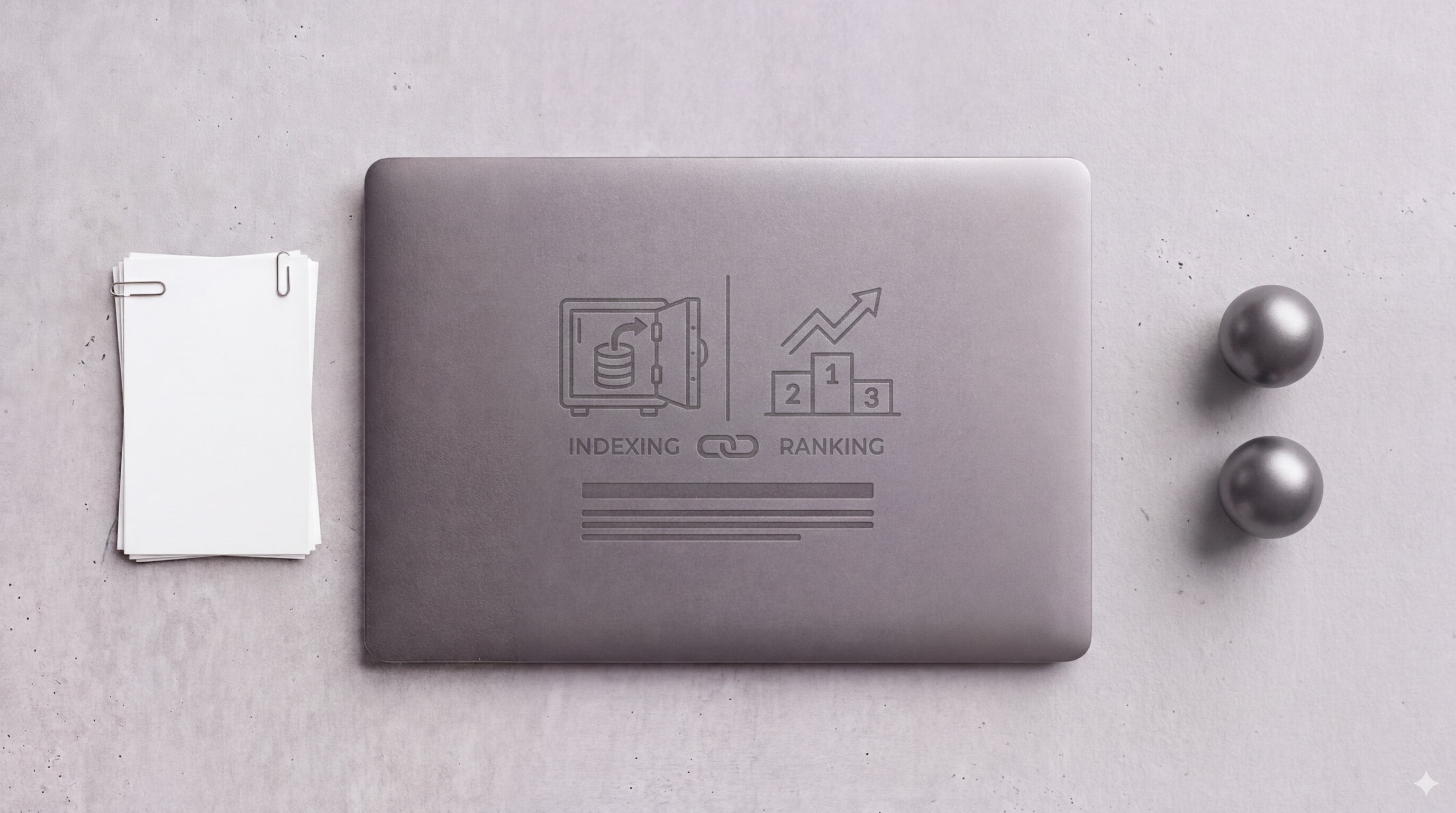
“Why isn’t my page showing up on Google?” is one of the most common questions in SEO — and the answer depends entirely on which problem you actually have. Indexing and ranking are two separate stages of Google’s process, and they fail for completely different reasons. Confusing them leads to months of wasted effort fixing the wrong thing. Here’s how to tell them apart and what to do about each.
Indexing vs Ranking: The Core Distinction
Indexing is Google’s process of discovering, crawling, and storing your page in its index — the massive database of pages it considers eligible to appear in search results. If a page isn’t indexed, it literally cannot rank for anything.
Ranking is what happens after indexing: Google evaluates every indexed page for a given query and decides which ones to show, and in what order. A page can be perfectly indexed and still appear on page 10 for every relevant keyword.
The distinction matters because the fixes are completely different. An indexation problem is a technical SEO problem — something is preventing Google from discovering or processing your page. A ranking problem is a quality, relevance, or authority problem — Google found your page but doesn’t think it’s the best answer for the queries you’re targeting.
The Indexation Pipeline
Google doesn’t instantly index every page it finds. There are actually multiple stages a URL moves through, and pages can get stuck at any of them. Google Search Central’s overview of how search works breaks this down clearly.
The stages as they appear in GSC’s Coverage report:
- Discovered — not yet crawled: Google knows the URL exists (from a sitemap or internal link) but hasn’t visited it yet
- Crawled — not currently indexed: Google visited the page but decided not to index it (thin content, duplicate, or a quality signal issue)
- Indexed: The page is in Google’s index and eligible to rank
“Discovered — not yet crawled” usually means crawl budget is the bottleneck — Google has more URLs to process than it’s getting to. “Crawled — not currently indexed” is a quality signal — Google saw the page and decided it wasn’t worth indexing. These have very different remedies.
How to Check Index Status
The fastest check: go to Google Search Console → URL Inspection → paste your URL. GSC will tell you definitively whether the URL is indexed, and if not, exactly why.
For a site-wide view, the Coverage report in GSC shows the breakdown of all your URLs across indexation states. Pay attention to:
- Valid pages (indexed) — is the count growing as you publish?
- Excluded pages — what’s the reason? “Crawled — not indexed” at scale is a content quality signal
- Error pages — 404s, server errors, redirect issues blocking crawling
If you want to cross-reference your indexed page count against your total page count, a simple Google search for site:yourdomain.com gives a rough estimate. It’s not exact, but a dramatic discrepancy (you have 2,000 pages and Google shows 200) is a signal worth investigating.
What Controls Ranking (Separately from Indexing)
Once a page is indexed, ranking is determined by Google’s assessment of relevance and quality for a specific query. The main levers:
Relevance: Does your content match the search intent behind the query? A page optimized for “enterprise project management software” probably won’t rank well for “free to-do list app” even if both topics are tangentially related. Moz’s breakdown of ranking factors is a useful reference for what Google weighs.
Authority: Does your domain and this specific page have backlinks and signals suggesting it’s a trusted source on this topic? A new domain with no backlinks will struggle to rank for competitive keywords regardless of content quality.
Quality: Does your page deliver a genuinely useful answer? Page experience signals (Core Web Vitals), content depth, and EEAT signals all factor in.
The diagnostic split is simple: if your page isn’t in GSC’s index, fix the indexation problem first. If it is indexed but not ranking, that’s a content and authority conversation. Treating a ranking problem as an indexation problem — or vice versa — is how teams spend quarters spinning their wheels.
If you want help diagnosing which stage your pages are stuck at, a technical SEO audit will give you a clear answer fast.